

Description
Download Axence nVision – network monitoring, network security, real-time monitoring, port blocking, device status, network control
Overview
Axence nVision is a comprehensive network monitoring and security solution designed for users seeking reliable oversight of their connected devices. The application enables real-time tracking of network activity, allowing users to maintain operational efficiency and detect anomalies as they occur. Its primary purpose is to ensure network stability, enhance security, and provide centralized control over all devices within a network environment. This makes it particularly valuable for small to medium-sized businesses, IT administrators, and technically inclined individuals managing private or office networks.
The platform addresses common challenges such as unexpected device failures, unauthorized access attempts, and unmonitored data transfers. By offering continuous visibility into network health, Axence nVision helps prevent downtime and supports proactive troubleshooting. It is especially useful in environments where uptime and data integrity are critical, such as in financial operations, healthcare systems, or educational institutions.
Developed by Axence, the application reflects a focus on usability and functionality, targeting users with varying levels of technical expertise. While specific details about the company’s background were not provided, the tool’s structured approach suggests a commitment to enterprise-grade reliability. Real-world use cases include monitoring server availability, verifying connectivity across multiple workstations, and enforcing security policies through port control.
Within the utilities category, Axence nVision fills a niche by combining monitoring and security in a single interface. Its presence underscores the growing need for integrated tools that simplify complex network management tasks without requiring advanced training.
Key Features & Functionality
- Real-Time Monitoring: Axence nVision continuously tracks the status of all devices on the network, providing instant visibility into system health. Users can monitor uptime, response times, and connectivity status, enabling immediate detection of outages or performance degradation.
- Port Blocking Capability: The application allows users to restrict access to specific ports on connected devices. This feature enhances security by preventing unauthorized data transfers, such as those via USB drives or external storage, reducing the risk of data leaks or malware infiltration.
- Intuitive User Interface: Designed with accessibility in mind, the interface simplifies navigation and configuration. Even users with limited technical experience can perform essential network management tasks without extensive training.
- Comprehensive Network Control: Axence nVision offers tools to manage and secure the entire network environment. From device discovery to policy enforcement, it centralizes control, improving both operational efficiency and security posture.
For example, an IT administrator can use real-time monitoring to identify a failing server before it impacts users. Meanwhile, a network manager can block specific ports on a guest workstation to prevent unauthorized file transfers. These capabilities support both preventive maintenance and active threat mitigation.
Interface, UX & Performance
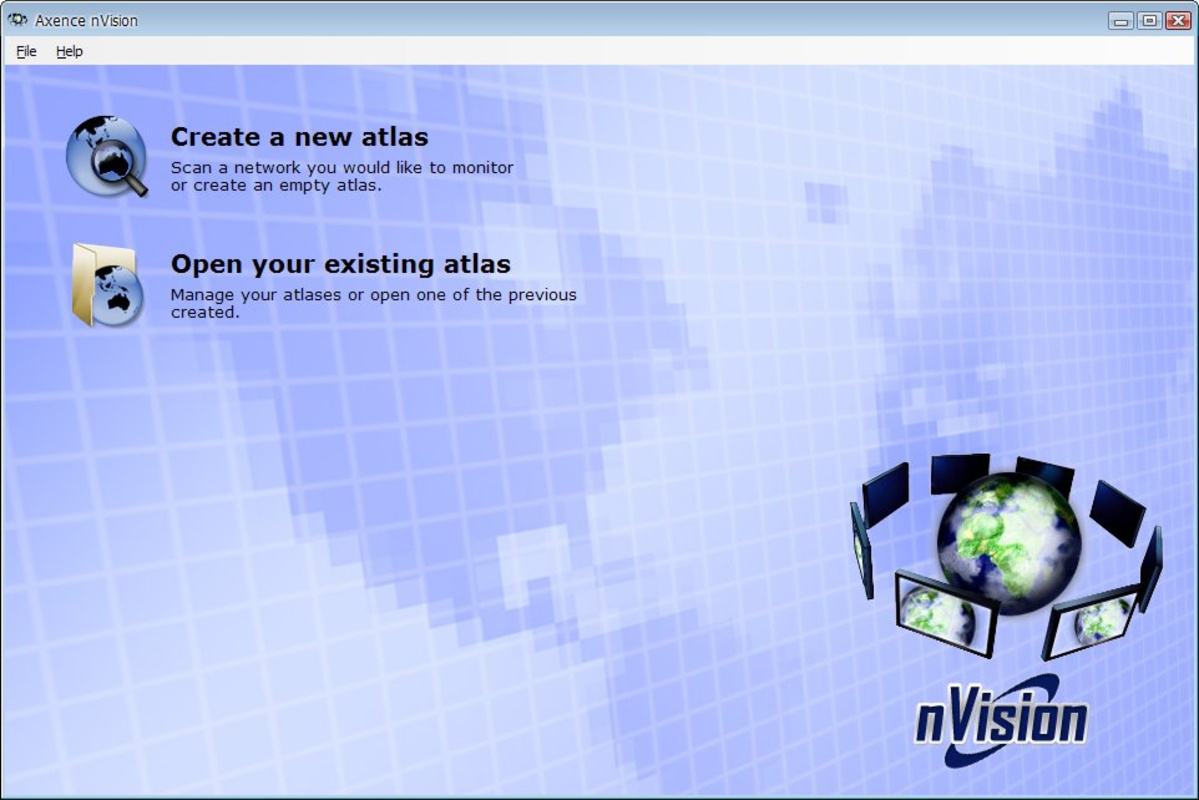
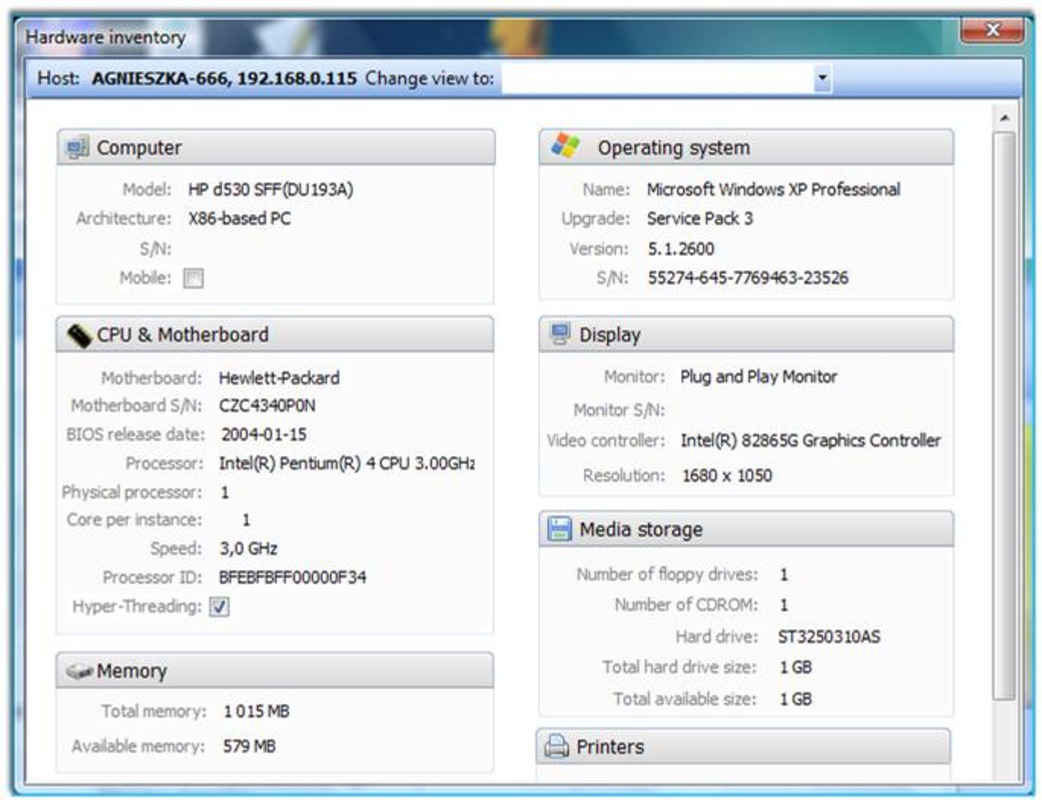
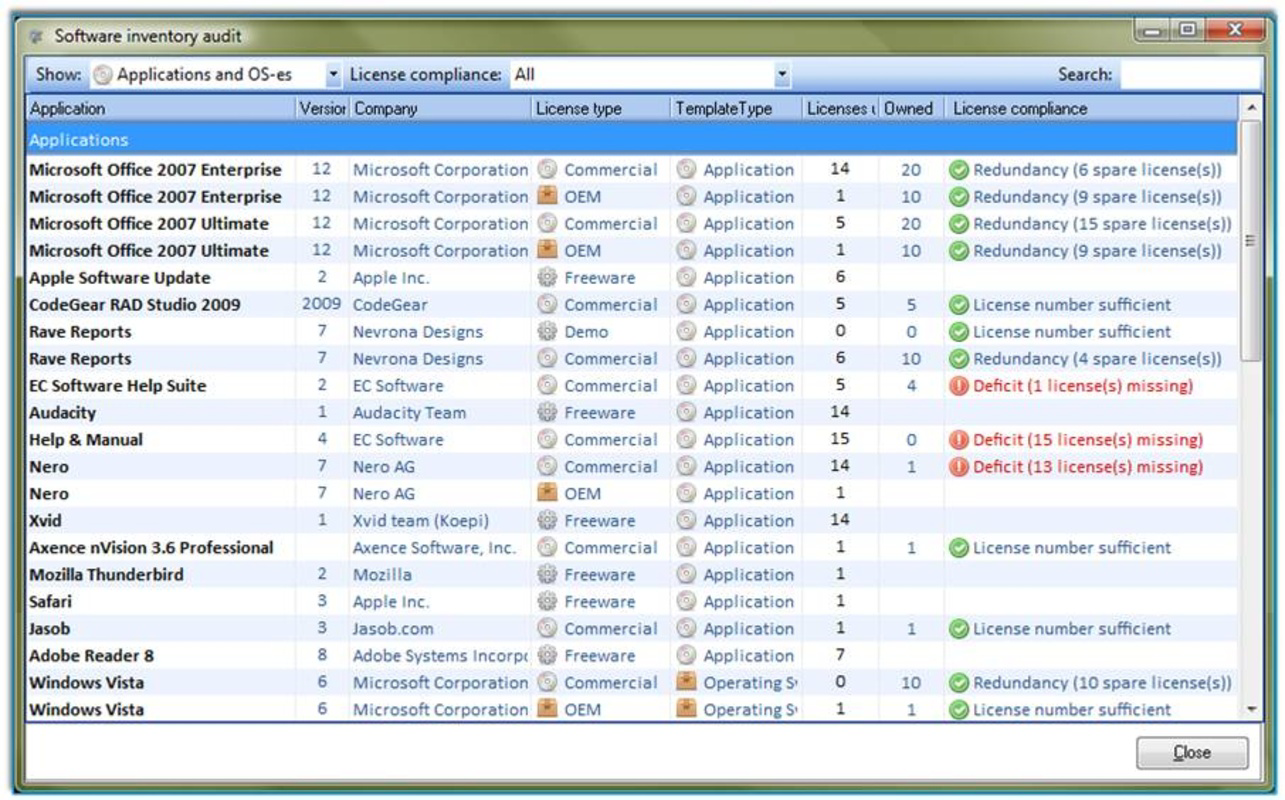
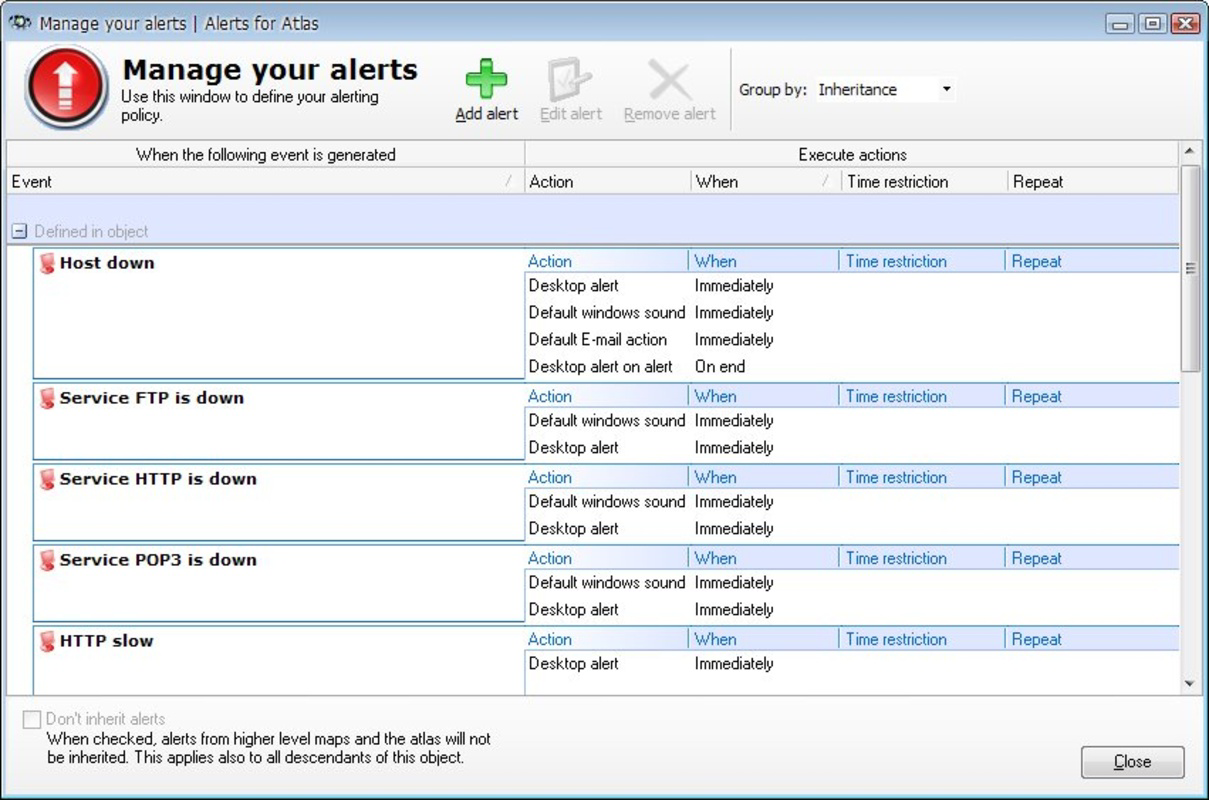
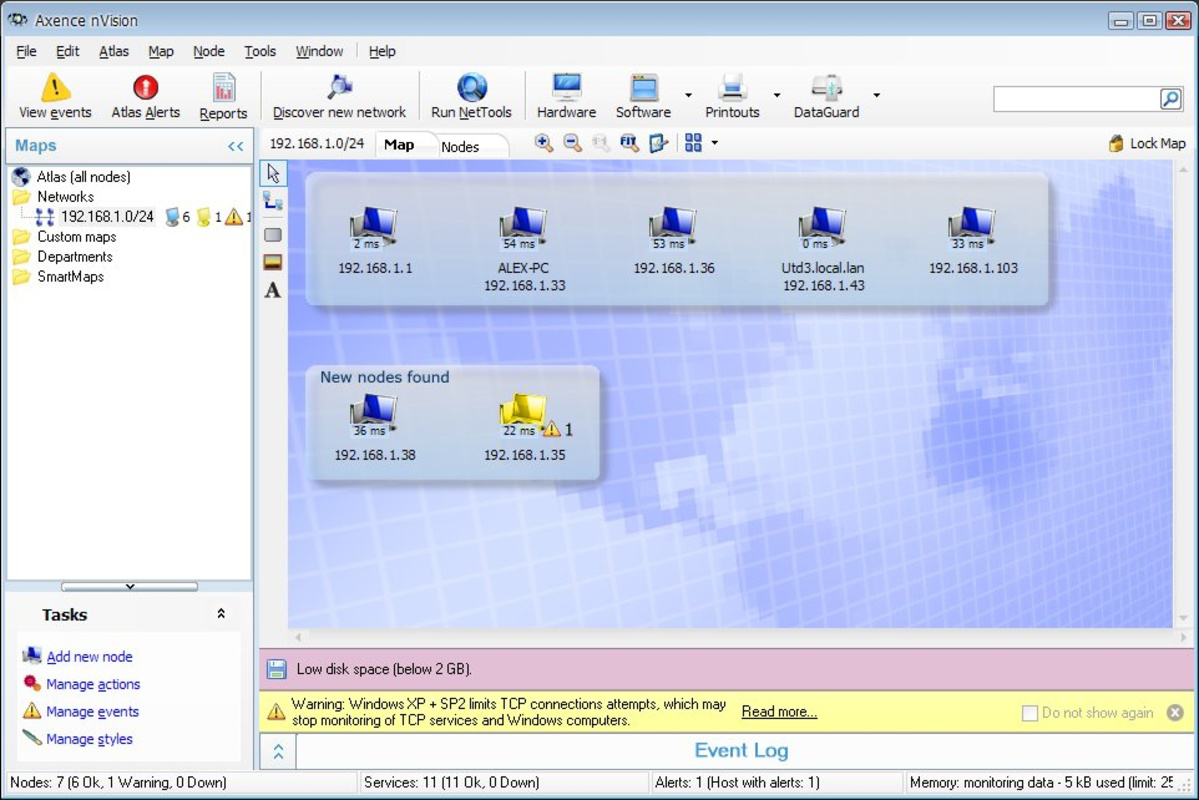
The user interface of Axence nVision is designed to prioritize clarity and ease of use. Its layout organizes network data into logical sections, including device status, connection logs, and security alerts. Navigation is straightforward, with menus and dashboards that guide users through core functions without unnecessary complexity.
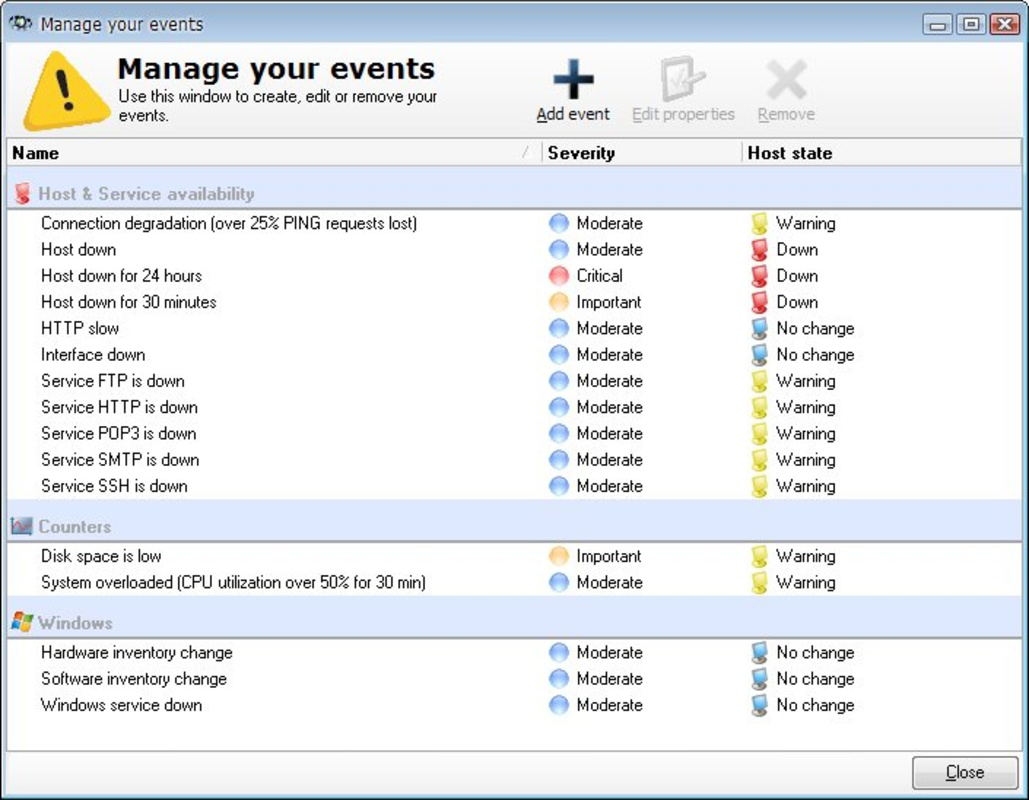
Visual elements are clean and functional, using color-coded indicators to represent device status—such as green for online, red for offline—allowing quick assessment at a glance. The design supports efficient workflow, enabling users to switch between monitoring, configuration, and reporting with minimal effort.
Although the developer did not list formal performance metrics, the application is optimized for smooth operation on Windows systems. It maintains responsiveness even when managing large networks, ensuring that real-time updates are delivered without noticeable lag. Stability appears to be a focus, as the interface remains consistent during extended usage sessions.
Performance may vary depending on network size and system specifications, but no reports of crashes or freezes were noted in the available information. Users can expect reliable operation across a range of Windows-based devices, from desktops to dedicated monitoring workstations.
Platform Compatibility & Technical Requirements
Axence nVision is designed for the Windows platform and is compatible with current versions of the operating system. The software has a file size of 120.4 MB, making it relatively lightweight for a network monitoring tool of its scope. The current version is 7.0.1, indicating a mature and regularly updated product.
The developer did not specify minimum OS requirements or hardware recommendations. As such, compatibility with older Windows versions cannot be confirmed. Users should verify system compatibility based on their environment before installation.
Given the application’s focus on network management, it is likely optimized for desktop and workstation environments rather than mobile devices. The absence of Android or iOS support suggests it is intended for use on Windows-based systems in professional or home office settings.
Pros and Cons
Pros
- Real-time monitoring provides immediate visibility into network health and device status.
- Port blocking enhances security by limiting unauthorized data transfer.
- Intuitive interface supports users with varying technical skill levels.
- Centralized control over network devices improves efficiency and consistency.
- Compact file size for a feature-rich network management tool.
Cons
- Compatibility with older Windows versions was not disclosed.
- Specific system requirements were not listed.
- Price point may be high for individual users or small-scale deployments.
- Limited to Windows platform; no mobile or cross-platform availability.
- Developer did not provide detailed documentation or support resources in the public release.
FAQ
Is Axence nVision safe to install on my Windows system?
Yes, Axence nVision is a legitimate software tool developed by Axence. It is designed for network monitoring and security, and no malicious behavior has been reported. As with any application, ensure you download it from official sources to maintain security.
Can I use Axence nVision on multiple devices?
The application is designed to run on a single Windows system. It monitors other devices on the network but does not support concurrent installation across multiple machines for monitoring purposes.
Does Axence nVision require a subscription or license?
Based on the provided information, Axence nVision is a one-time purchase priced at $199.00. There is no indication of recurring fees or subscription models, though future updates may require separate consideration.
Is technical support available for Axence nVision?
Support details were not included in the release information. Users are advised to contact the developer directly for assistance with installation, configuration, or troubleshooting.
How often does Axence nVision receive updates?
The current version is 7.0.1, indicating regular development. However, the update frequency was not specified. Users should check the official website for the latest version and patch notes.
Final Thoughts
Axence nVision stands out as a powerful, feature-rich tool for network monitoring and security. Its real-time insights, port-blocking capabilities, and user-friendly interface make it a strong choice for IT professionals and network managers who need reliable oversight. While the price may be steep for casual users, its value becomes clear in environments where network stability and data protection are paramount.
Although it is limited to Windows and lacks mobile support, its performance and design suggest it is built for serious use cases. For organizations seeking a centralized, secure, and efficient way to manage their network infrastructure, Axence nVision delivers on its promises.
Download Axence nVision now
Guides & Tutorials for Axence nVision
How to install Axence nVision
- Click the Preview / Download button above.
- Once redirected, accept the terms and click Install.
- Wait for the Axence nVision download to finish on your device.
How to use Axence nVision
This software is primarily used for its core features described above. Open the app after installation to explore its capabilities.
User Reviews for Axence nVision 0
No reviews found


